
Glorion App 2026 —
The Complete Guide to Mobile PWA on iOS & Android
Speed, security, and 11,000+ games in the palm of your hand. No app store needed.
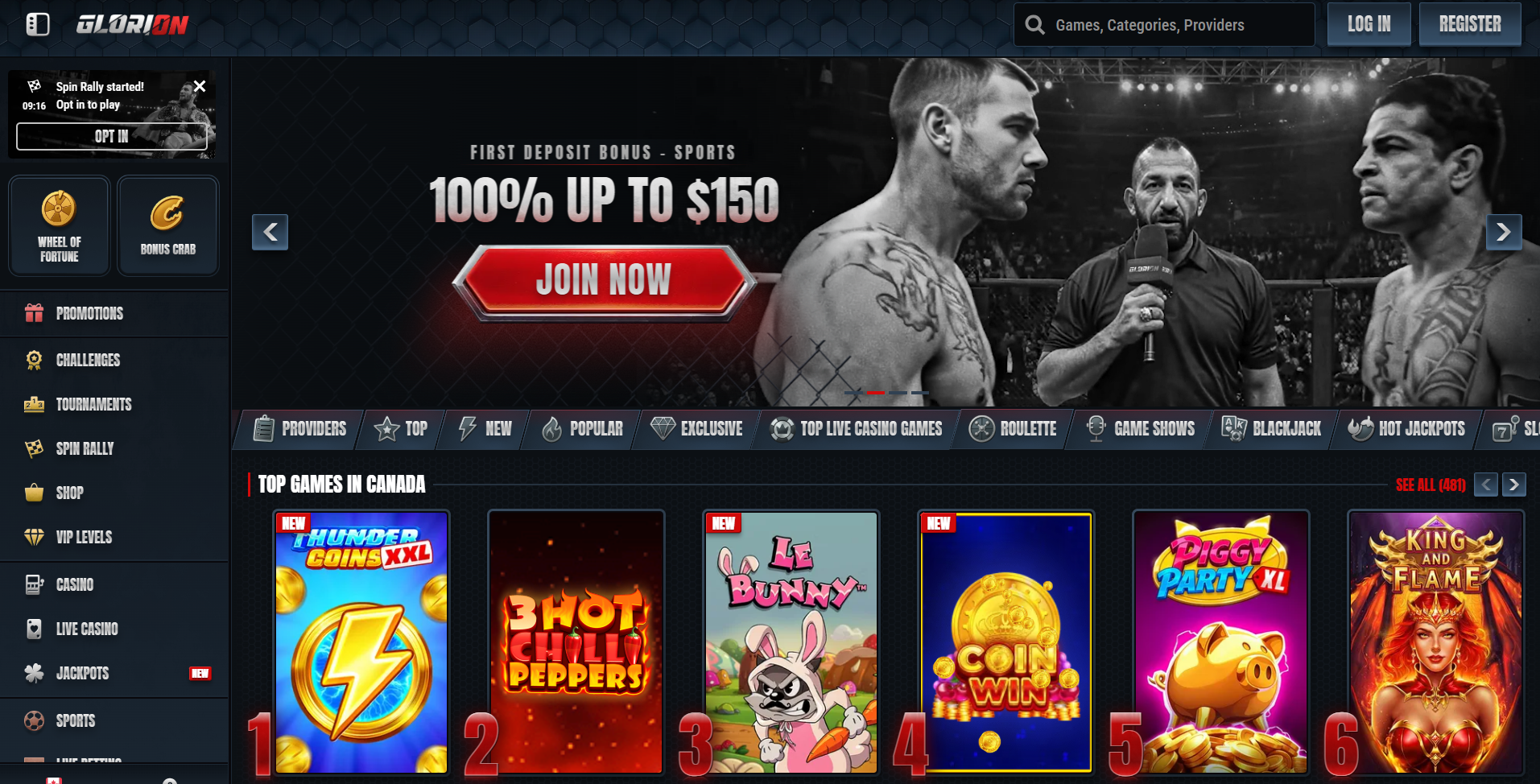
The evolution of mobile gaming has reached a tipping point where speed, security, and accessibility define the winner. If you are searching for the glorion app, you've likely noticed that the traditional app stores are often cluttered with imitation software, region-locked utilities, or outdated shells. In 2026, the official glorion casino app has bypassed these hurdles by utilizing Progressive Web App (PWA) technology — delivering the full 11,000+ game library and a complete sportsbook right on your home screen.
The Mobile Revolution: Why Glorion Chose PWA in 2026
By opting for a glorion casino mobile PWA, the operator ensures that Canadian players have a permanent, unblockable link to their account. A PWA is essentially a high-performance website that behaves like a native app. It uses "Service Workers" to cache data, allowing for lightning-fast load times even on unstable 4G or 5G connections.
Why Choose the Glorion PWA Over Native Apps?
- Zero Storage Impact: No massive 200–500MB files to download. The core of the app lives in the cloud, with only essential UI elements stored locally.
- Instant Updates: The glorion app refreshes its logic and game assets every time you open it — no manual app store updates.
- Biometric Security: Use FaceID or TouchID to secure your glorion login. Prevents unauthorized access if your phone is lost.
- Full Feature Parity: Every one of the 11,000+ slots, live dealer tables, and sportsbook markets available on desktop is present in the mobile version.
Installation Guides
iPhone & iPad Guide
Apple users can install without any App Store. No jailbreak required.
Android Guide
Even more streamlined. No APK from shady links needed.

Glorion App for iOS — Step-by-Step
Open Safari for the Official Connection
Navigate to the official site using Safari. Apple restricts "Add to Home Screen" functionality to its native browser only.
The Share Menu Protocol
Locate the "Share" icon (square with an upward arrow) at the bottom center of your browser interface.
Add to Home Screen
Scroll through the list of actions until you see "Add to Home Screen." Tap it. A confirmation window will appear.
Finalize the Setup
Ensure the name says "Glorion" and tap "Add" in the top right corner. The icon appears alongside your other apps instantly.

Glorion App for Android — Step-by-Step
Launch Chrome and Connect
Visit the Glorion homepage using Google Chrome. The Android ecosystem is highly optimized for PWAs.
Look for the Automated Prompt
Usually, a "Add Glorion to Home Screen" or "Install App" banner will slide up from the bottom. Tap to begin download immediately.
Manual Installation if Required
If the prompt doesn't appear, tap the three dots in the top right corner → "Install App" or "Add to Home Screen."
Confirm and Launch
Android will ask for a final confirmation. Tap "Install." Move the icon to your dock for even faster access.
Deep Dive into Mobile Features: 2026
The "Thumb-Zone" Mapping
The UX designers of the glorion mobile platform have utilized "Thumb-Zone" mapping — all critical buttons, the login, the search bar, and game categories are placed within easy reach of your thumb. You never need two hands to navigate the lobby.
Biometric Integration and Advanced Security
Simply enable biometrics in your account settings. This links your glorion casino login to your phone's secure enclave. A quick scan of your face or fingerprint gets you into the action instantly.
The "Bonus Crab" on Mobile
Exclusive to the glorion mobile ecosystem, the Bonus Crab feature is a gamified reward system optimized for touchscreens. Use your touchscreen to precisely position the claw and grab daily rewards, free spins, and coins with a simple swipe.
💳 High-Speed Banking: Apple Pay, Google Pay & Interac — The cashier in the app is fully integrated with your mobile wallet. Interac deep links, one-tap Apple/Google Pay, and easy crypto via long-press paste. All protected by 128-bit SSL encryption.
Browser vs. Glorion App — Comparison
| Feature | Mobile Browser | Glorion App (PWA) |
|---|---|---|
| Login Persistence | Logs out after 30 mins | ✔ Persistent for weeks |
| Biometrics | Rare / Inconsistent | ✔ FaceID / TouchID |
| Speed | Standard | ✔ Optimized (Service Workers) |
| Display | Browser UI visible | ✔ Full Screen |
| Push Notifications | None | ✔ Real-time Alerts |
| Accessibility | 3–4 taps to open | ✔ 1 tap from home screen |
Troubleshooting Common Mobile Issues
1. The "Install" Prompt Isn't Appearing
Go to Chrome settings → Privacy and Security → Clear Browsing Data. Refresh the Glorion site, and the prompt should appear. On iOS, remember that only Safari supports "Add to Home Screen."
2. Slow Game Loading
Check if you have too many background apps open. Closing unused apps frees up RAM for the PWA to run at peak performance.
3. Biometric Login Fails
Use your standard glorion login password to enter, then go to security settings and re-sync your biometrics. Often happens after a major iOS/Android OS update.
4. Push Notifications Are Silent
Go to Settings → Notifications → Glorion and ensure "Allow Notifications" is toggled on.
Avoid Unofficial Downloads! Third-party sites offering a "Glorion Mod APK" are often malware wrappers designed to steal your credentials. The only safe method is the official PWA installation described above.
Future-Proofing: Glorion Mobile in 2026 and Beyond
In the coming months of 2026, expect even deeper integration of Augmented Reality (AR) for live dealer games and AI-driven personalized lobbies. The beauty of the PWA is that these features appear in your glorion app automatically, without visiting an app store again.